Mindjoy
Augmented Tutors

Educator-level support, 24/7

Educators build tutors on their own course material and set how they teach. The tutor asks questions instead of giving answers, so students do the thinking.

Support between classes, at the educator's standard

Students need more help than contact hours allow. A Mindjoy tutor extends the educator's own material, standards and judgement to every student, whenever they get stuck.
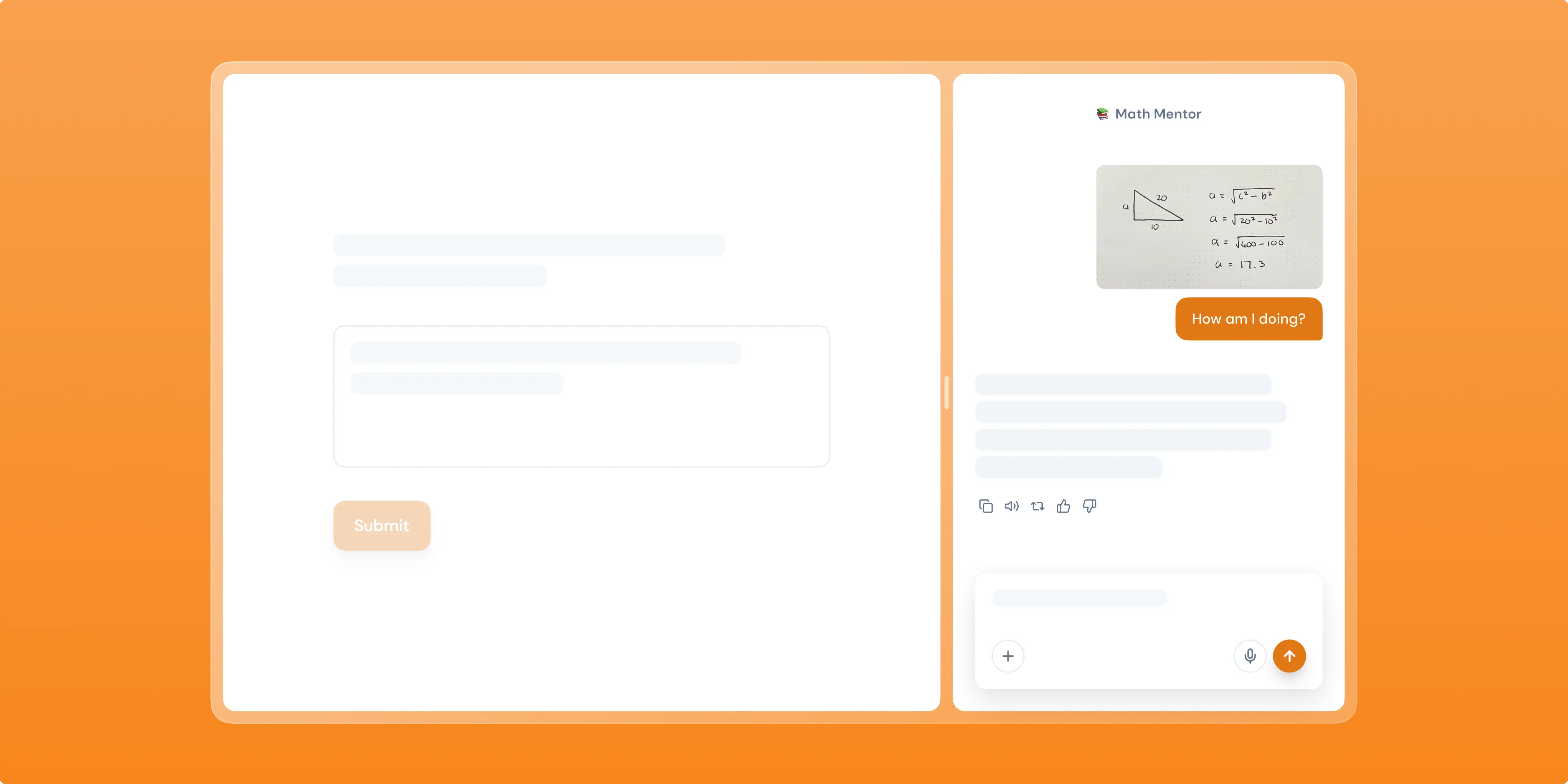
Tutor reviewing a student's handwritten working beside a lesson

Help inside the lesson

Students open the tutor from inside a lesson, upload a photo of their working and ask how they did. The tutor responds to their work, not with a generic answer.
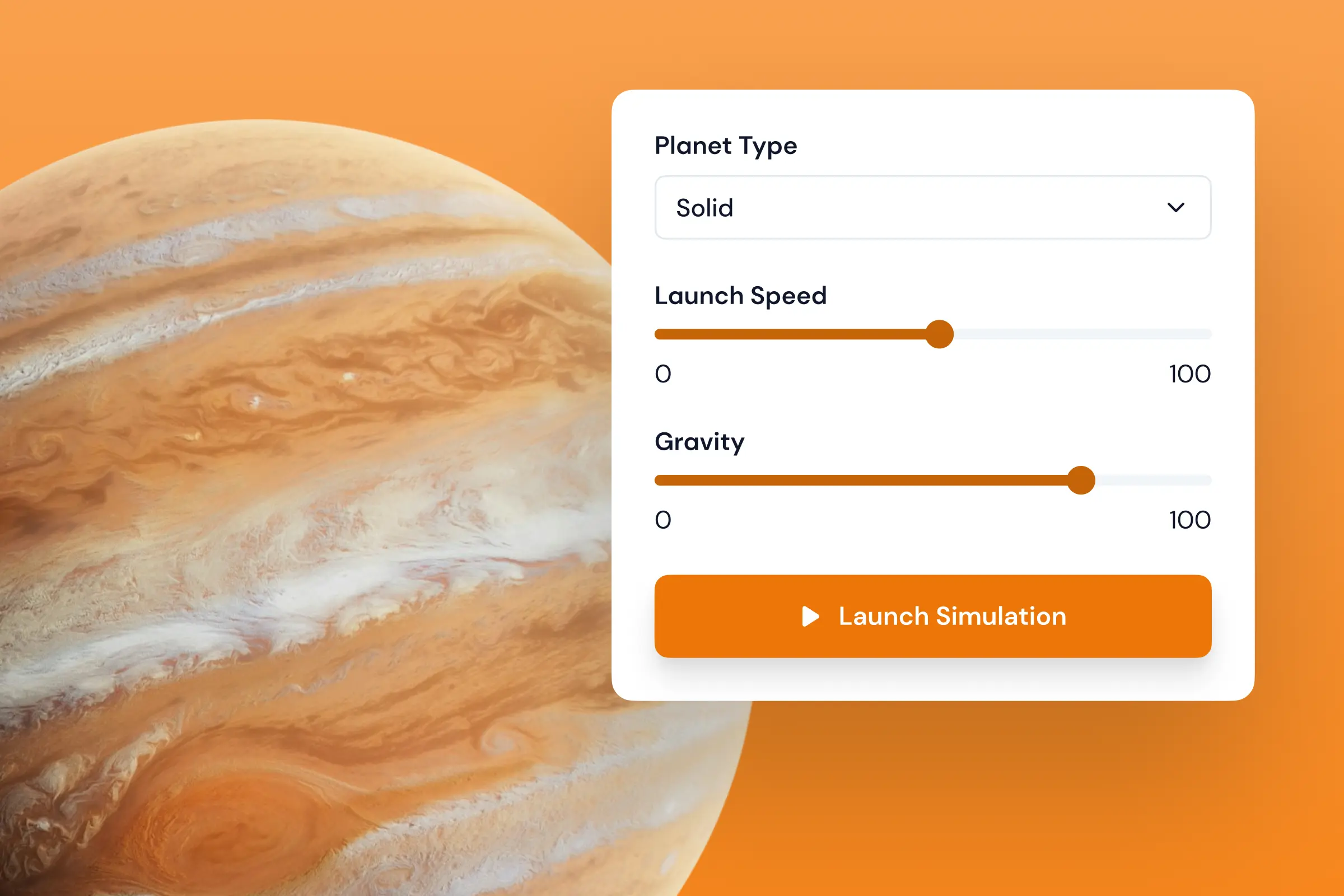
Interactive gravity simulation with adjustable settings

Simulations that make abstract ideas concrete

Tutors can guide students through interactive simulations, so they test an idea and see what happens.
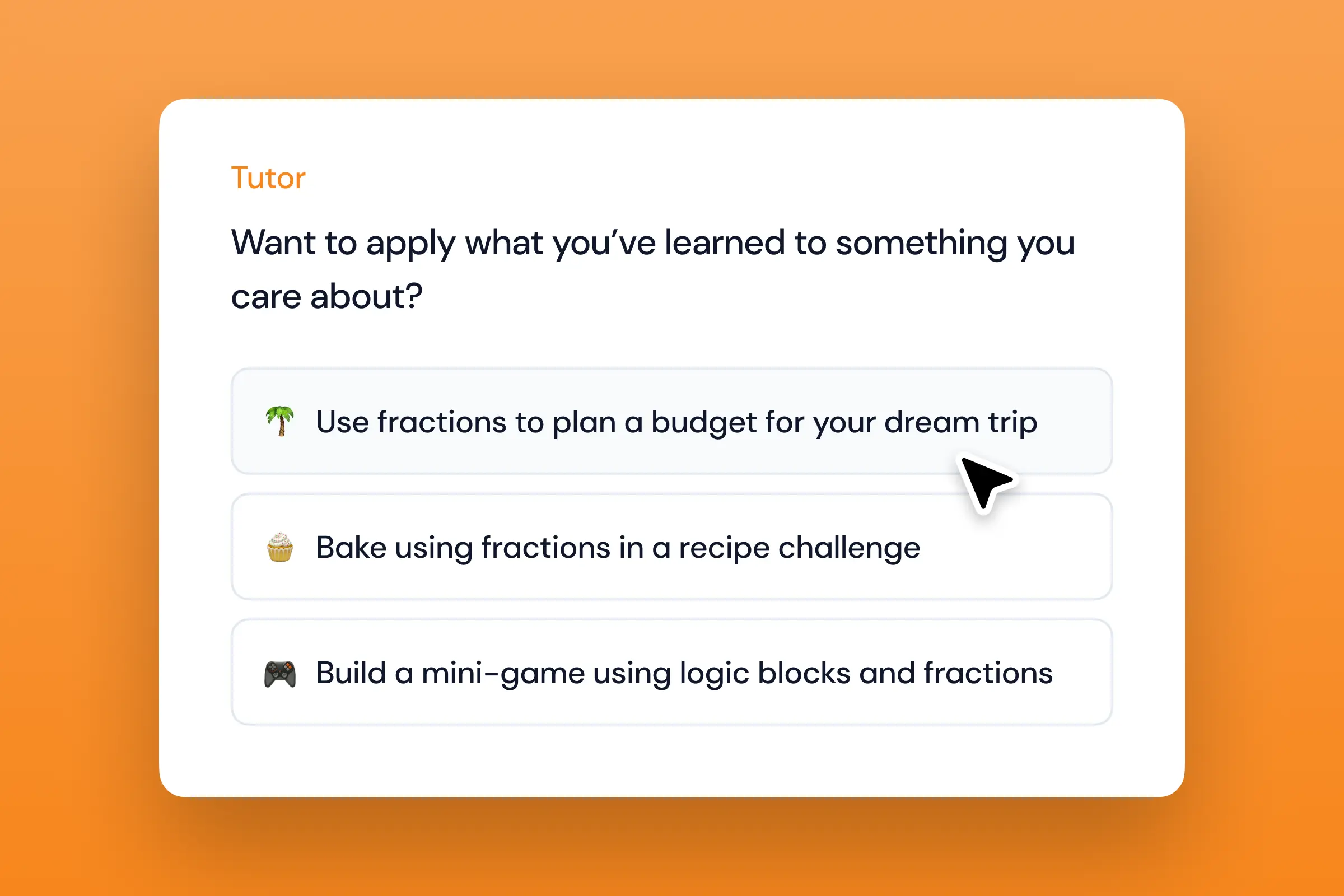
Tutor offering real-world problems to choose from

Connect ideas to what students care about

The tutor offers real-world problems that use what students have just learned, so new ideas stick.

Socratic modes

Choose how the tutor guides: questions first, hints, or step-by-step help.

Grounded in your material

Add your PDFs, slides and notes. Students can see which file each answer came from.

Voice and whiteboard

Students talk a problem through and work on it together with the tutor on a whiteboard.

Multilingual

Students can ask in their own language, and switch languages mid-conversation.
How Augmented Tutors work

Students

How does a tutor help me when I'm stuck?

The tutor knows your course and helps you work it out yourself.

1

Type, speak or upload a photo of your handwritten working, a worksheet or your code.

2

The tutor asks questions and gives hints, so you find the answer yourself.

3

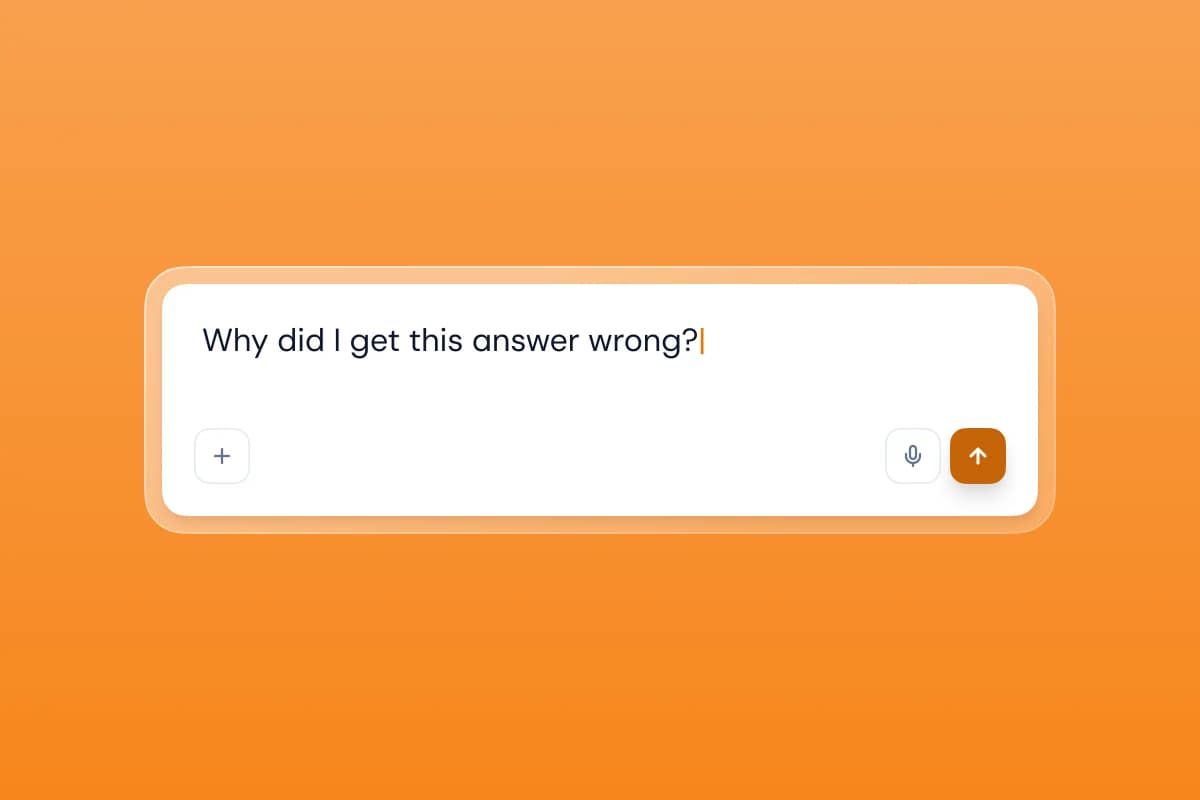
Ask “why did I get this wrong?” and get feedback on your own work.

4

Use voice mode to talk a problem through, or to practise for an oral assessment.

Student asking the tutor why an answer was wrong
Educators

How do I build a tutor for my module?

You decide what the tutor covers and how it teaches.

1

Add your course material: PDFs, Word documents, slides, notes or LaTeX.

2

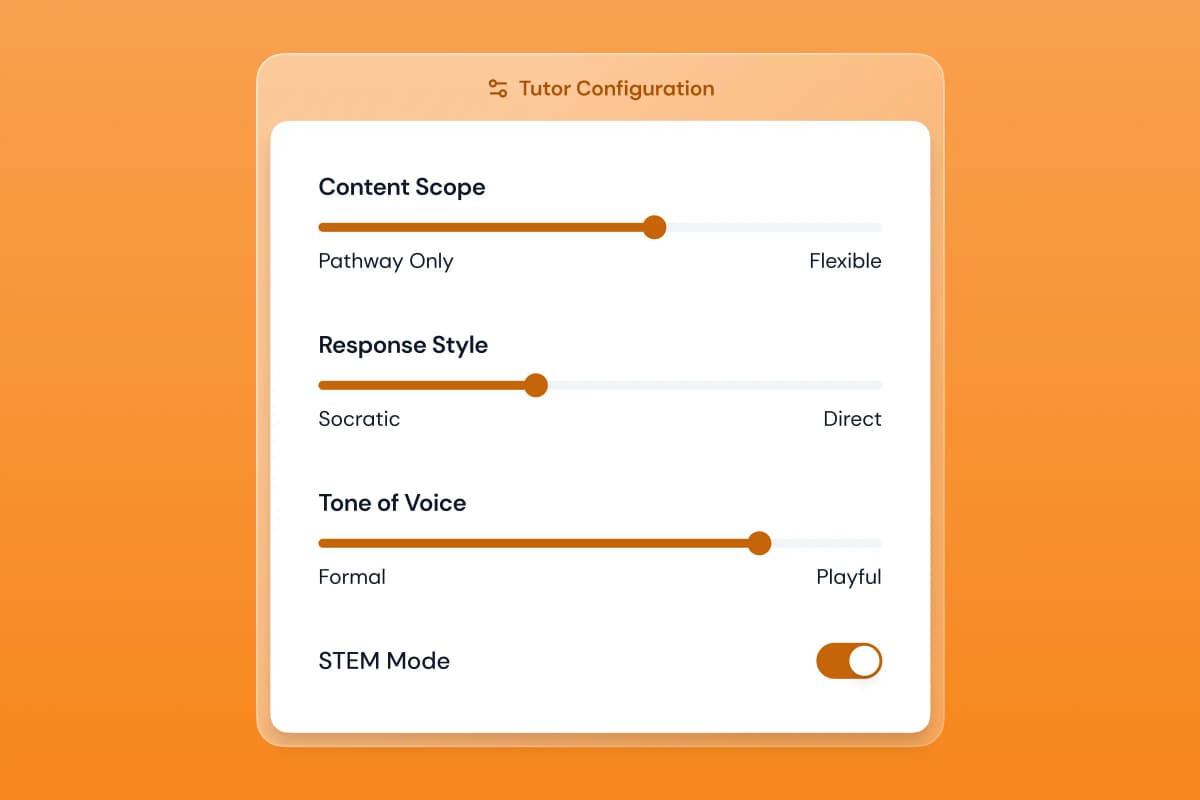
Set the scope, the Socratic mode and the tone, so the tutor teaches the way you do.

3

Attach the tutor to a lesson or pathway, where students need it.

4

Tutor insights update while the tutor is open, so you spot misconceptions while it still matters.

Tutor settings for content scope, response style and tone
Leaders

How do tutors add teaching capacity?

Student support grows with your cohorts, without adding academic hours.

1

Tutors extend your educators' own material and standards to every student between classes.

2

The tutor answers repeat questions, so lecturers spend consultation time on the students who need them.

3

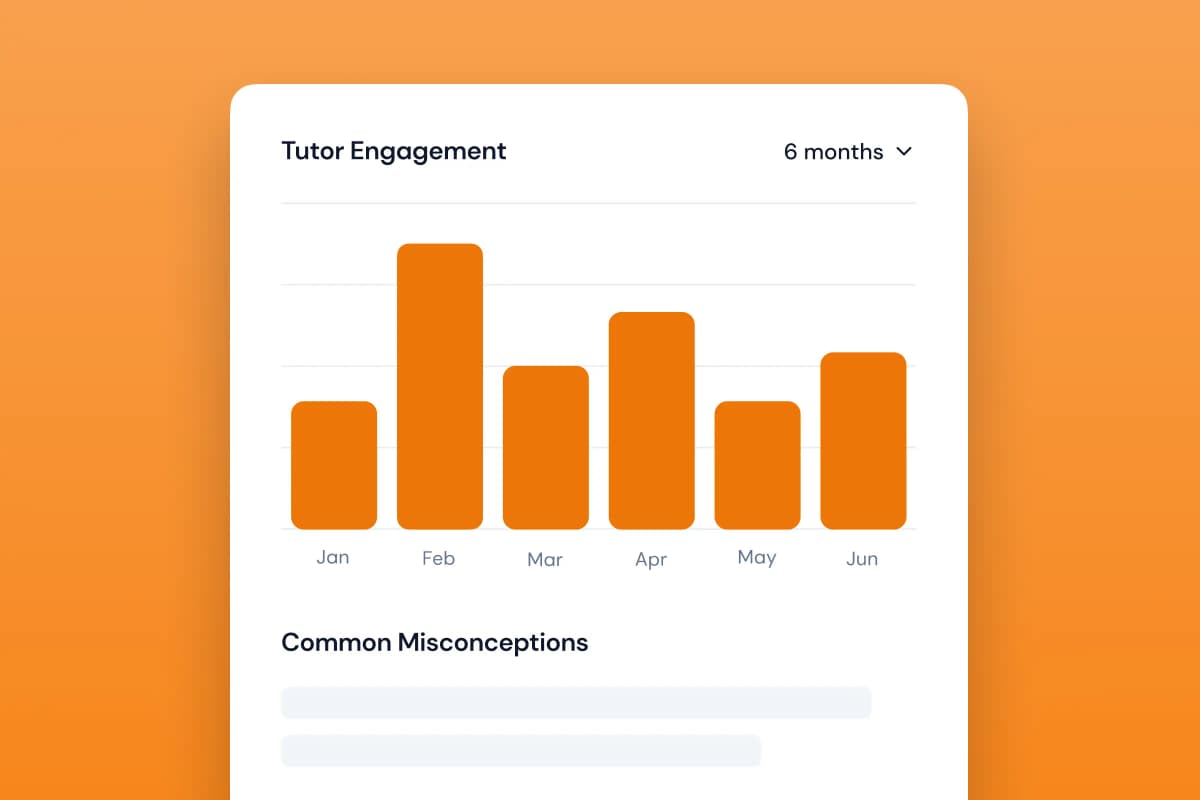
See engagement and common misconceptions across modules.

4

Start with one module and a baseline, then expand across the faculty.

Tutor engagement over six months and common misconceptions

Which module would your educators point to first?

Start with one module and a baseline. We'll show you the change before you expand.