Built for teaching and learning. It knows your course material and how your students are doing, so it can build lessons and tutors, answer student questions and show who needs help.

Both agents work from your course material. Educators build and review lessons by chatting, and students get help between classes, 24/7.
Built for teaching and learning. It knows your course material and how your students are doing, so it can build lessons and tutors, answer student questions and show who needs help.
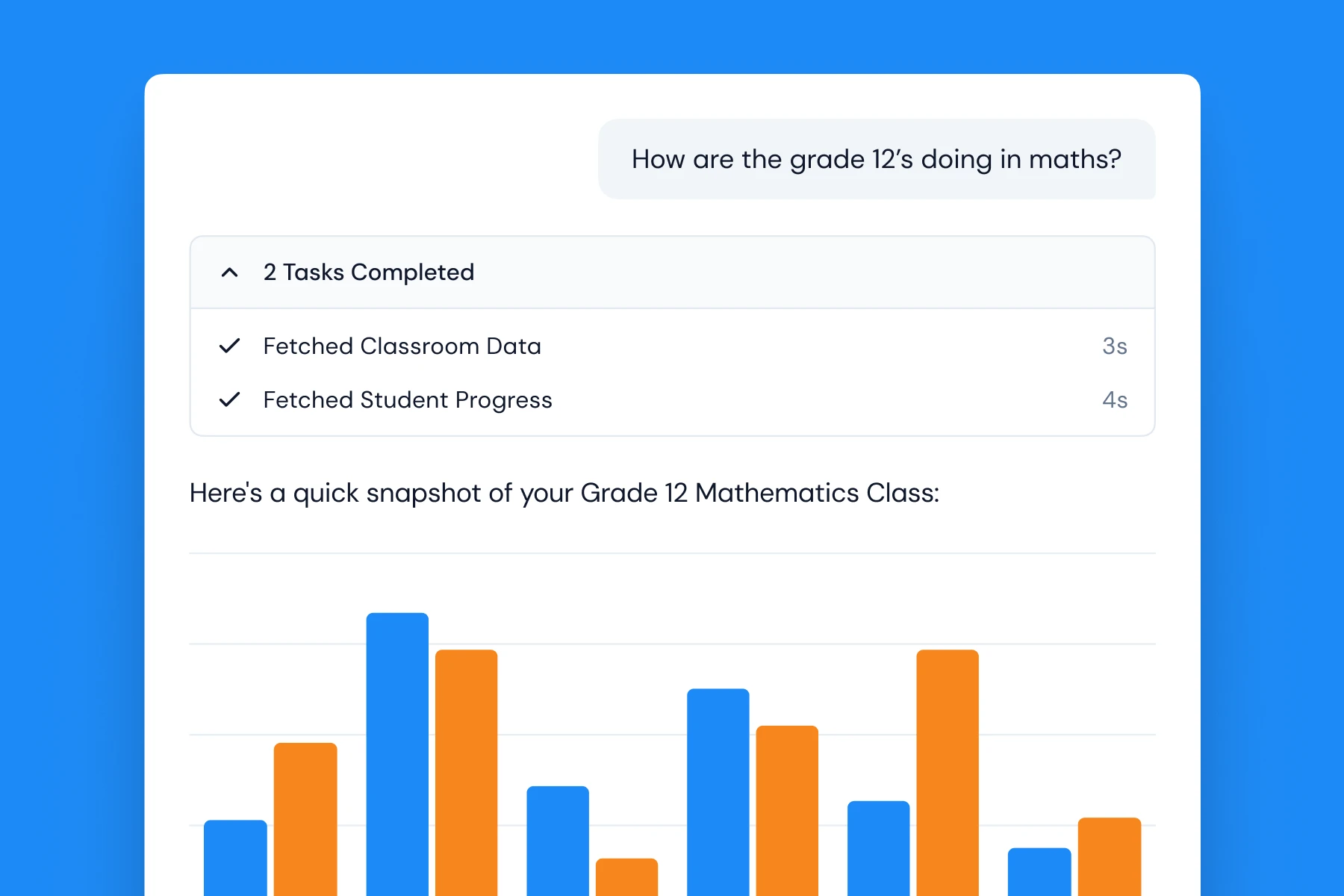
The agent turns class data into charts, flags students at risk and suggests next steps.

Your data stays in one secure environment, built-in moderation keeps student conversations on track, and we never train on your data.
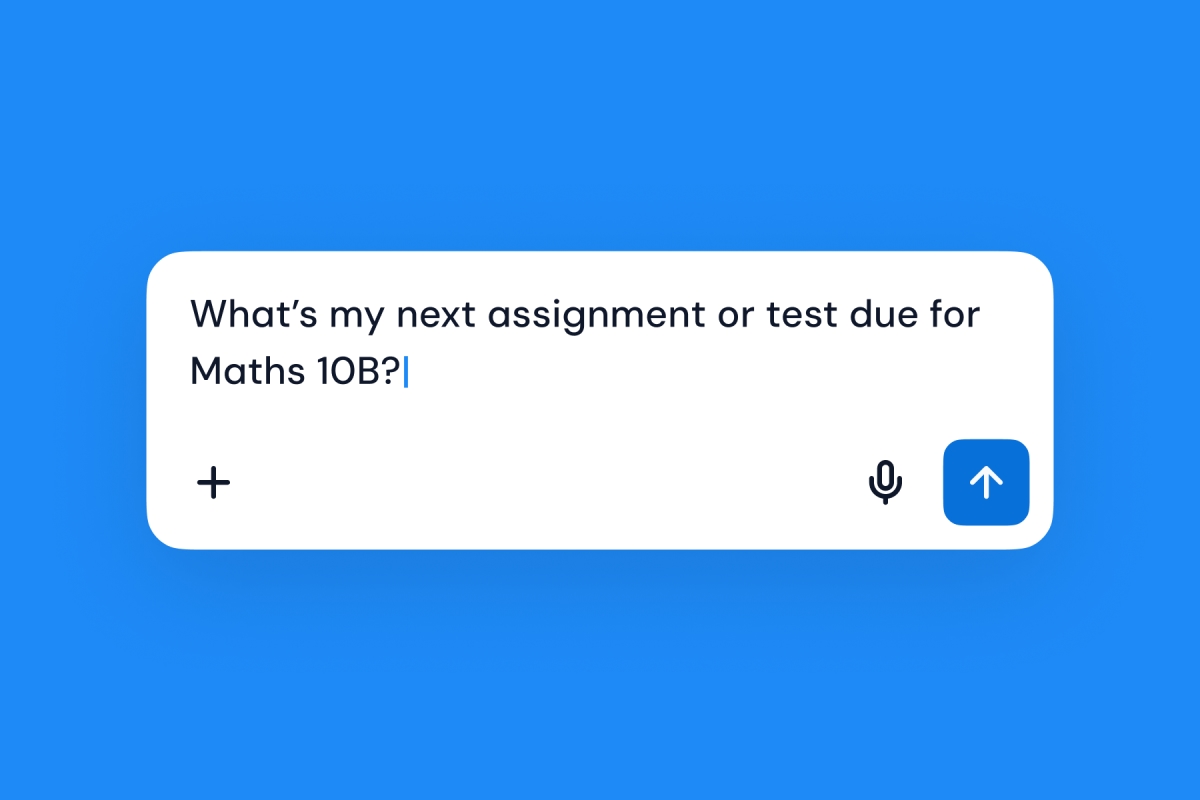
Students ask by typing, by photo or by voice, and get help tied to their own assignments and progress.
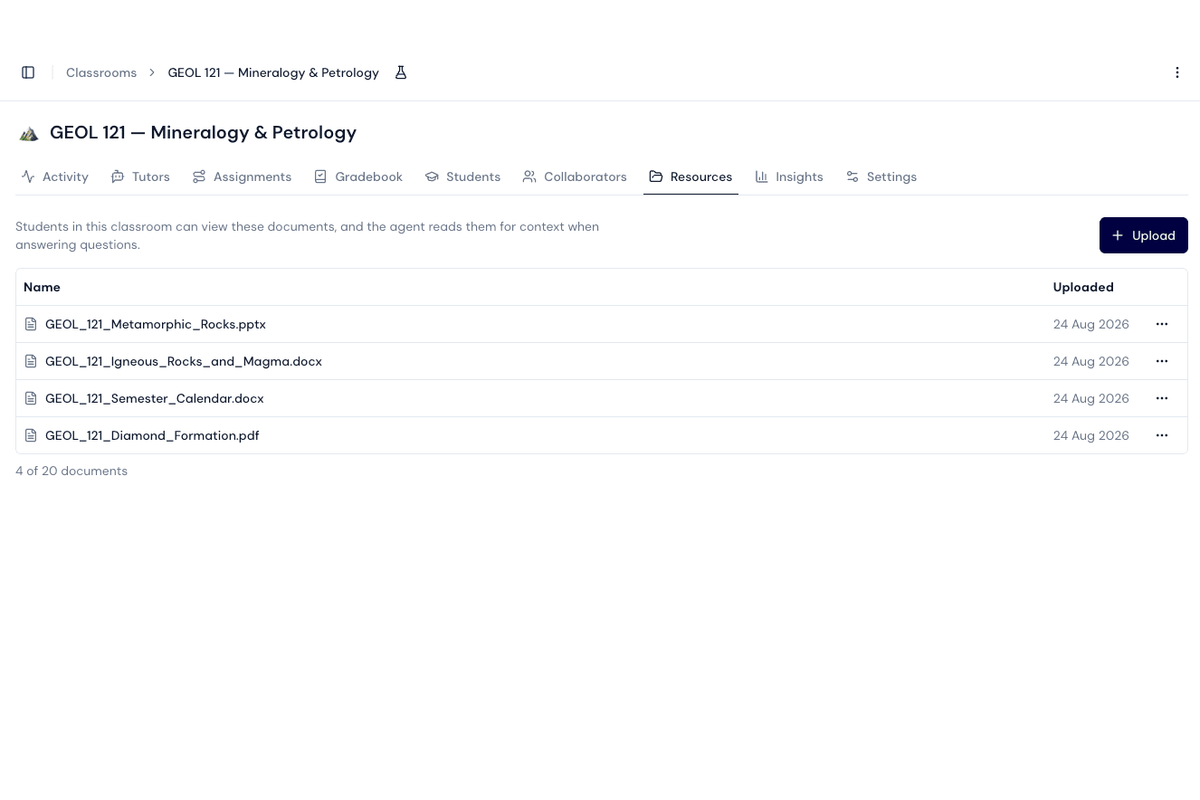
Upload your module outline, calendar, assessment briefs and slides. Both agents work from the same documents.
Access the Mindjoy Agent on mobile - snap a photo of a problem, ask a question by voice, or chat on the go. Everything stays connected to your classrooms, progress, and curriculum.


Educators get help with planning and lesson building, and students get support between classes, without adding academic hours.
Educators hand routine lesson building and planning to the Agent, and spend the time on the students who need them.
The student agent answers questions about the module, deadlines and marking, so fewer repeat questions reach lecturers.
See where students get stuck across a module, week by week.
Educators stay in control: Agent edits wait for approval, and nothing reaches students until it's published.

It's connected to your classrooms and student progress, and works from your own material.
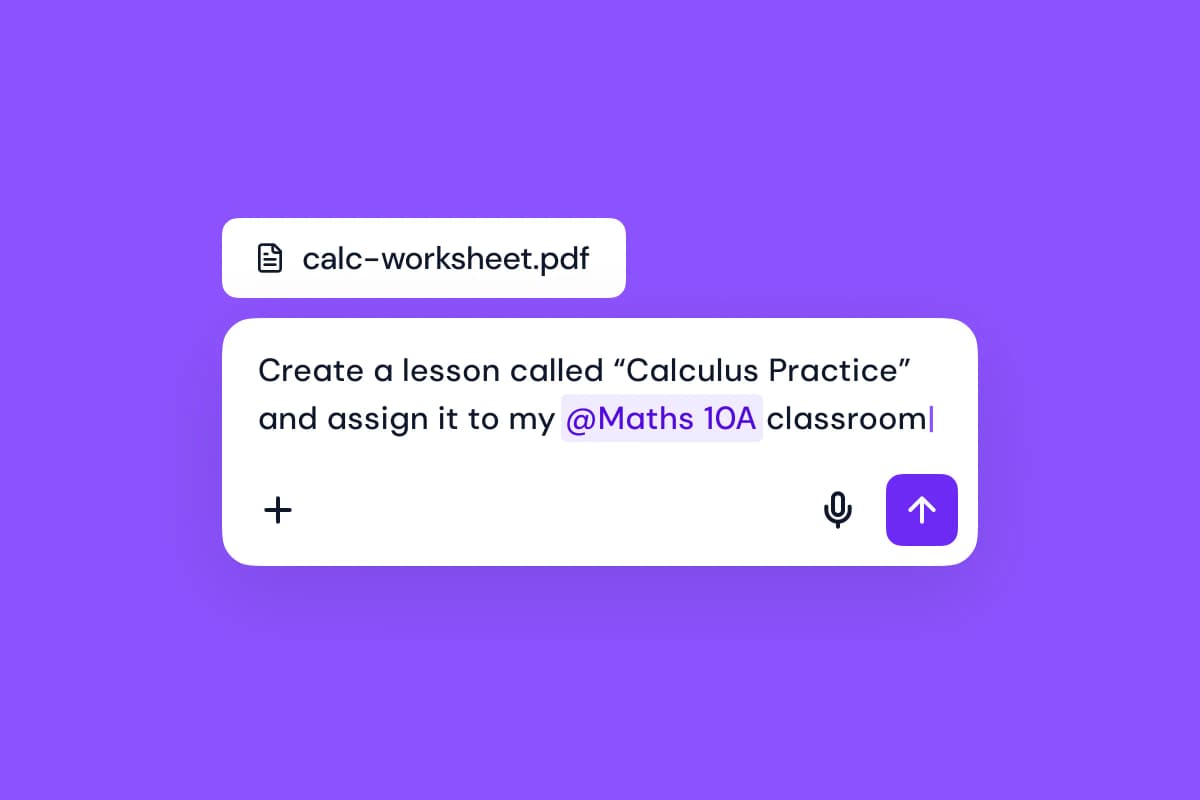
Describe a lesson and the Agent builds it, with questions and mark schemes. Refine it by chatting.
Start from what you have: PDFs, PowerPoint decks, a web page or a YouTube video.
Ask the Agent to review a lesson. It finds factual errors, unclear wording and inconsistencies, and suggests fixes.
Ask how your class is doing and get charts of where students are struggling.
It knows your classes, works from your module's own material, and is there whenever you need it. Available for universities: ask us to turn it on for your students.
Ask about your module. The agent uses the documents your lecturer shared to explain what's covered, when things are due and how work is marked.
Study from your lecture slides. Upload a PowerPoint or PDF, ask about anything on it, and get quizzed.
Ask however suits you: type, snap a photo of your work, or use voice mode.
Stuck on a concept? The agent draws diagrams and visual explanations on an interactive whiteboard.

Start with one module and a baseline. We'll show you the change before you expand.